


Toggling Proxy on Browsers
One of the pain points of using Sahi is to remember to set the proxy on the browser while testing and removing it later.There are a few tools which alleviate this well.Firefox:Use Proxy Button to toggle the proxy in one click from the Firefox toolbar.Internet Explorer:Use ProxyPal to toggle proxy from the IE toolbar.Use /tools/toggle_IE_proxy.exe […]
SSL/https with Sahi
Please have a look at Configure SSL in the documentation.
SahiPro Troubleshooting Series: SSL Issues
We take pride in helping our customers solve their automation issues. We are planning to come up with a list of commonly faced issues and how we solved it. This might help multiple customers when they face similar issues. Over a period of time, this would turn into a good repository of problems and solutions. […]
Learn How to fix Sahi Pro popup identification In Firefox 86

With the release of Firefox 86 version, Firefox has changed the behavior of window.name. Sahi Pro identifies popups based on window.name, and previously, it would persist across the domain until someone explicitly changes it. Due to the recent change in Firefox 86, the behavior of window.name is such that it resets every time one navigates […]
Sahi Pro Chrome 58+ SSL certificate fix
NOTE: Post modified on 5 May 2017 with updated patch. Chrome 58 has introduced a check for Subject Alternative Name in SSL certificates. Sahi Pro’s certificate creation mechanism did not support this, causing https sites to fail on Chrome 58 (and higher). The error seen on Chrome is ERR_CERT_COMMON_NAME_INVALID. Our initial patch released on April […]
Running Microsoft Edge in Internet Explorer Mode
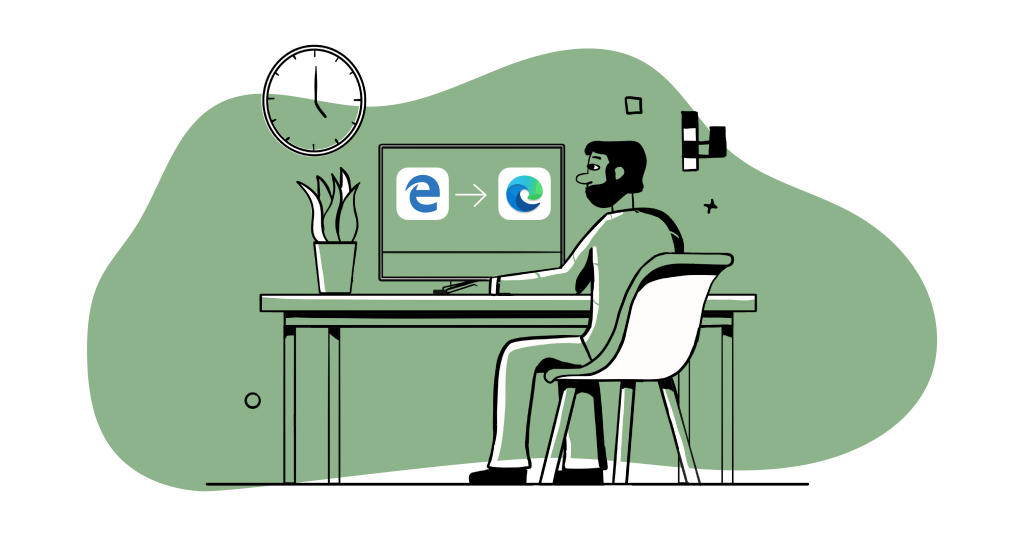
To configure Microsoft Edge Browser to open websites in IE mode follow these steps: Step 1: Install Microsoft Edge policy template a) Open – https://www.microsoft.com/en-us/edge/business/download. b) Scroll down the page (till u see a download button). Select the Version, Build, Platform of your Microsoft Edge installation. c) Click on GET POLICY FILES. File MicrosoftEdgePolicyTemplates.cab […]
Playback failing for Chrome 139
Google Chrome 139 continues its phased rollout of the Privacy Sandbox, which includes significant changes to how third-party cookies are handled. Now, the third-party cookies are blocked by default in Incognito mode.This prevents Sahi’s internal ‘sahisid’ cookie from being accessible across domains. Consequently, Sahi Pro’s playback fails with a 90-second error. To fix this, add […]
OpenSSL and Heartbleed clarification in Sahi Pro
One of our support requests asked about the version of openssl used in Sahi Pro. Since it may be of concern to others, here is some more information related to use of openssl in Sahi Pro. The version of openssl is :OpenSSL 0.9.8h 28 May 2008 OpenSSL 0.9.8h did not have the heartbleed bug. (“OpenSSL […]
How to install Sahi’s root certificate on Android 11 and above?

For automating HTTPS websites in mobile browsers in Android 11 or more, Sahi’s root certificate must be installed.Below are the steps to install Sahi’s root certificate on android 11 and above. Start Sahi on a machine that is on the same network as the mobile device Configure the proxy settings of the browser on the […]
HTTPS Problem Resolution: Unable to tunnel through proxy
Sahi had been using its own custom implementation of proxy tunneling till a few months back. Owing to a lot of demand for some features, we moved to Java’s https url connection which supported tunneling through a corporate proxy with authentication. But unfortunately, a bug in Java’s https URL connection was tripping up a few […]