


How to Fix Slow Playback in Chrome Version 102 and Later?

Google Chrome downloads and updates certain features or updates in the background. It is observed that from version 102 onward, there have been more frequent background updates. Google Chrome can initiate these background activities even with the Google Chrome instances launched by Sahi. Consequently, your Sahi Playback will become slow on Google Chrome. To fix […]
Hours are not getting displayed on Suite Reports in the Sahi Pro v10.0 logs.

There is an issue when the suite executes for more than 1 hour but less than 10 hours. In the reports, you may see that the time taken by the suite execution is not shown correctly. [ Hour is missing] Sample reports having issues may look like this: Sahi Pro v10.0 Suite Reports Screenshot From […]
How to Fix: Scripts Failing in Firefox due to Security Warning when Moving from HTTPS to HTTP

When a secure web page (eg. https://example.com), submits a form request to an insecure web page (eg. http://example.com), Firefox issues a warning dialog. A user needs to manually click “Continue” or “Cancel” to dismiss this dialog.Note that this dialog is not one of the native JavaScript dialogs (confirm, prompt or alert) which Sahi can automatically handle. On […]
Fix: Scripts Failing in Firefox 89

Issue 1: Firefox 89 has enhanced the privacy of its Private Browsing mode. By default, Firefox now blocks cross-site cookie tracking in private browsing. This enhancement prevents Sahi’s internal ‘sahisid’ cookie from being accessible across domains. Consequently, Sahi’s playback fails on the very first statement with a 90-second error. Issue 2: Firefox’s captive portal detector […]
How to Fix Error opening HTTPS websites in Mozilla Firefox with JDK 11

When using JDK 11 with Sahi, HTTPS websites do not open in the Mozilla Firefox browser. We get the error shown in the image below. To resolve this issue, kindly upgrade to JDK 11.0.2 and above versions. We recommended the latest release JDK 11.0.8, as it contains all the security patches and bug fixes. Ensure […]
How to Fix Chrome & Firefox update causing scripts to fail in Sahi Pro

Browsers namely Mozilla Firefox, Google Chrome, etc. have recently adopted a secure mode by default. Thus the latest version of browsers prefers an https connection. With the recent chrome upgrade, the scripts started failing with a 90-second issue. To fix the issue, please follow the steps below. Please download the latest version of Sahi Pro […]
Error for HTTP websites on Chromium 130

Browsers have adopted a secure model by default. Thus, the latest browsers prefer an HTTPS connection over an HTTP connection. In recent updates, below error occurs on launching HTTP websites with Chromium based browsers in incognito mode. Consequently, playback with Sahi Pro on HTTP websites (not HTTPS websites) gets aborted in Google Chrome version […]
Here is how you can configure Sahi Pro for gmail in 5 easy steps

To keep email accounts secure, from May 30, 2022, Google no longer supports the use of third-party apps or devices which ask username and password to sign in to Google Account.As google disabled less secure apps we need to follow the below steps to get Mails using java. Please follow the below steps and check. […]
Certificate error on opening HTTPS websites in MacOS
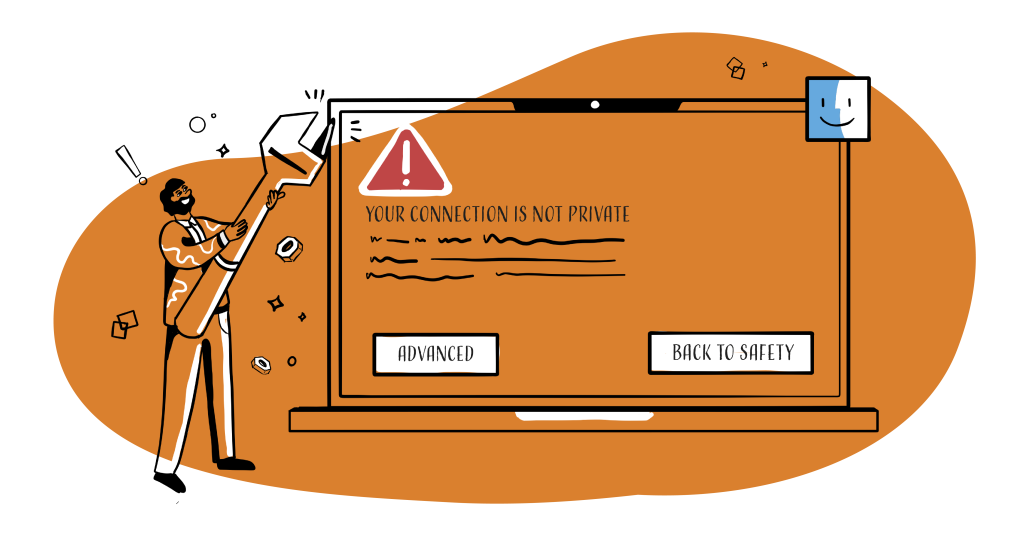
As shown in the image, certificate error occurs on opening HTTPS websites in a browser on MacOS while testing with Sahi Pro. To fix this, follow the steps below: Click on the Configure link from the Sahi Dashboard. Click on Update Sahi Pro. In Install patch from URL, paste the below URL and click on […]