
TL;DR
- What this is: PLM test automation for medical device CSV compliance
- Who it affects: QA Validation Engineers at regulated PLM manufacturers
- The core problem: Multiple compliance frameworks demand different artefact formats
- Cost of not solving it: Manual documentation adds weeks before FDA submissions
- What Sahi Pro does differently: One execution satisfies 21 CFR Part 11, ISO 13485, GAMP 5
- Proof: ArisGlobal, 70% reduction in report generation time
PLM software testing for medical device and life sciences teams running Teamcenter, ENOVIA, Windchill, or SAP PLM requires more than functional coverage. Your test automation tool must produce artefacts that satisfy 21 CFR Part 11 electronic record requirements, ISO 13485 software validation clauses, and GAMP 5 risk-based testing categories, often simultaneously and for the same test execution. Standard web automation tools were not designed to produce IQ/OQ/PQ documentation, maintain audit trails, or run entirely on-premise to meet FDA data residency expectations.
This article evaluates six PLM test automation tools against criteria specific to medical device and life sciences validation. Each was assessed for compliance output format, on-premise deployment capability, Java thick-client and WebGL coverage, and re-validation effort after PLM upgrades. By the end, a QA Validation Engineer or Regulatory Affairs Manager will know which tool fits their specific PLM environment, compliance framework, and team skill profile.
Quick-Pick: 6 Medical Device PLM Test Automation Tools at a Glance
| # | Tool | Best for | CSV and compliance output | On-premise |
| 1 | Sahi Pro | 21 CFR Part 11 and ISO 13485 PLM validation with on-premise | Structured records satisfying 21 CFR Part 11, ISO 13485, and GAMP 5 simultaneously from one execution | Yes, full |
| 2 | Tricentis Tosca | Enterprise teams already using Tosca for SAP | Model-based test design and SAP-native integration | Yes, on-premise available |
| 3 | Leapwork | Non-developer PLM QA in regulated life sciences | Most accessible visual no-code for regulated industries | Partial, cloud-primary with limited on-premise |
| 4 | OpenText UFT One | Teams with existing UFT investment and legacy PLM | Broadest legacy technology coverage | Yes, on-premise available |
| 5 | Selenium WebDriver | Web-only PLM portals with in-house engineers | Zero cost, maximum flexibility for web layer | Yes, fully on-premise |
| 6 | Tricentis qTest | PLM test management and compliance documentation | Best PLM test management and compliance reporting | Yes, on-premise available |
1. Sahi Pro — Best for 21 CFR Part 11 and ISO 13485 PLM validation with on-premise deployment
Why it ranks first for Teamcenter, ENOVIA, Windchill, SAP PLM
The core challenge in plm software testing for medical devices is producing validation-ready records from automated test execution. Most tools generate pass/fail logs. Regulatory submissions require timestamped structured execution records per test step that satisfy 21 CFR Part 11 Subpart C electronic records and ISO 13485:2016 clause 7.5.6 software validation documentation requirements from a single report. Sahi Pro produces exactly this output format natively.
For plm qa automation across Teamcenter Active Workspace, ENOVIA 3DEXPERIENCE, Windchill, and SAP PLM, the technical challenge is multi-layer. A single validation workflow may span a web-based BOM tree viewer, a Java Swing thick client for CAD integration, and a WebGL-rendered 3D model viewer. Sahi Pro addresses each layer in one test script. The Desktop add-on provides native Java Swing/AWT/SWT access. The AI Assist OCR add-on captures screen regions and reads visible text from canvas and WebGL elements that expose no DOM nodes.
Element identification uses proximity and label-based reading rather than DOM position or XPath. This is deterministic, not ML-based. When a PLM upgrade restructures the interface hierarchy, tests continue to resolve elements by their visible labels and spatial relationships. The practical effect: re-validation scope after a Teamcenter or Windchill version upgrade shrinks significantly.
Key capabilities for Teamcenter, ENOVIA, Windchill, SAP PLM teams
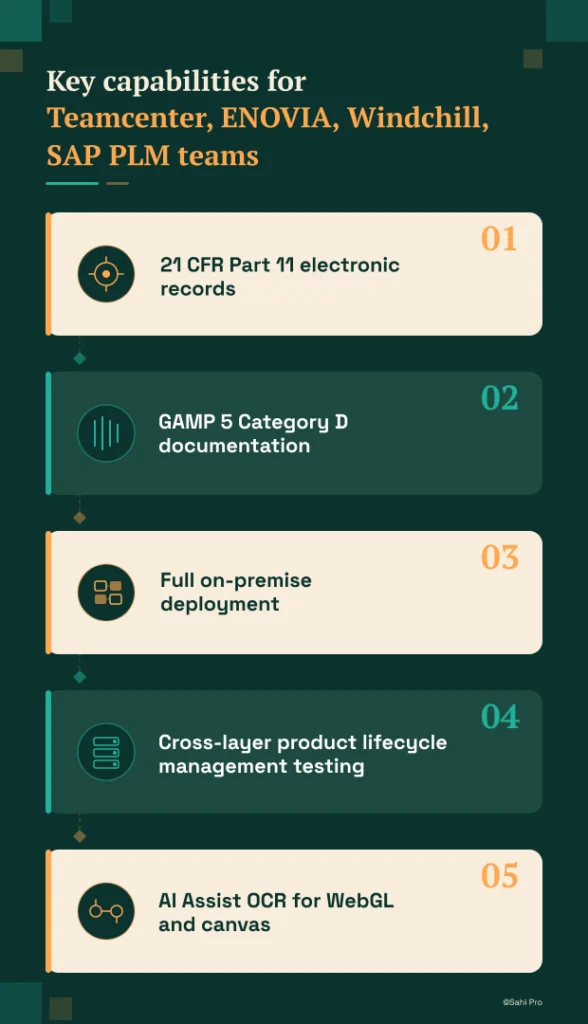
- 21 CFR Part 11 electronic records: Timestamped execution logs per step satisfy Subpart C requirements for electronic records, with output formatted for direct inclusion in IQ/OQ/PQ validation packages.
- GAMP 5 Category D documentation: Vendor provides formal GAMP 5 Category D self-assessment documentation, supporting CSV programme structure without custom paperwork.
- Full on-premise deployment: Entire installation runs within the manufacturer’s infrastructure. License activation, execution, and reporting never leave the network, satisfying FDA data residency requirements.
- Cross-layer product lifecycle management testing: A single script covers web, Java thick client, API, and database layers, eliminating coverage gaps between tools in multi-technology PLM environments.
- AI Assist OCR for WebGL and canvas: Captures and reads text from rendered graphics in ENOVIA 3DEXPERIENCE and similar canvas-based viewers that have no accessible DOM nodes.
Honest limitations
AI Assist OCR is an add-on product at additional cost, not included in the base license. Teams needing WebGL or canvas coverage should factor this into their evaluation. The visual test builder (BDTA) covers web-layer flows primarily. Java thick-client steps require scripting through the Desktop add-on, so teams with heavy Java PLM client usage will need at least one engineer comfortable with Sahi Pro’s scripting layer.
Best for: 21 CFR Part 11 and ISO 13485 PLM validation with on-premise
On-premise: Yes, full installation, no external routing
Pricing: Module-based; free trial available
Key Teamcenter, ENOVIA, Windchill, SAP PLM capability: Structured records satisfying 21 CFR Part 11, ISO 13485, and GAMP 5 simultaneously from one execution
2. Tricentis Tosca — Best for enterprise model-based PLM automation
Overview for Teamcenter, ENOVIA, Windchill, SAP PLM teams
Tricentis Tosca is a model-based test automation platform widely used in SAP and enterprise application environments. PLM teams consider it when they need a risk-based regression approach or already have Tosca deployed for SAP ERP testing. For organizations where PLM and ERP share a validation boundary, Tosca’s existing presence in the SAP stack can reduce procurement complexity.
What it does well for CSV validation
- Model-based test design: Reduces duplication across similar PLM workflows by abstracting test logic from UI implementation, which helps when multiple PLM modules share common interaction patterns.
- SAP-native integration: Teams already running Tosca for SAP ERP can extend their existing test models to cover SAP PLM without introducing a second vendor.
- Enterprise risk-based regression: Tosca’s risk-based test selection prioritizes test cases by business impact, aligning with GAMP 5 risk-based testing principles for validation scope decisions.
- No-code test design for business analysts: Business analysts familiar with the Tosca model can author and maintain test cases without programming, reducing dependency on automation engineers.
Best for: Enterprise teams already using Tosca for SAP
On-premise: Yes, on-premise available
3. Leapwork — Best for non-developer PLM teams with visual automation
Overview for Teamcenter, ENOVIA, Windchill, SAP PLM teams
Leapwork is a visual no-code automation platform using drag-and-drop test design. PLM teams whose QA staff is entirely non-developer look at it as an alternative to scripted tools, particularly in life sciences and regulated industries. Its marketing presence in the life sciences sector is strong, and the visual approach lowers the barrier to entry for teams transitioning from manual testing.
What it does well for CSV validation
- Visual no-code test design: Test flows are built by arranging building blocks rather than writing code, making automation accessible to QA analysts without programming backgrounds.
- Audit-ready test documentation: Generates structured test documentation suitable for regulated industry audit requirements, reducing manual documentation effort after test execution.
- Life sciences focus: Leapwork has invested specifically in life sciences use cases, and its documentation references regulatory frameworks familiar to medical device and pharma QA teams.
- Drag-and-drop accessibility: Non-technical testers can build and modify test flows independently, which accelerates test creation in teams without dedicated automation engineers.
Best for: Non-developer PLM QA in regulated life sciences
On-premise: Partial, cloud-primary with limited on-premise
4. OpenText UFT One — Best for legacy PLM with existing UFT investment
Overview for Teamcenter, ENOVIA, Windchill, SAP PLM teams
UFT One (formerly HP QTP) is a long-established enterprise test automation tool with broad technology coverage. PLM teams evaluate it when they have legacy test scripts, existing UFT licenses, or need VBScript-based automation for older PLM interfaces. Its install base in large enterprises means many organizations already have institutional knowledge and script libraries built around UFT.
What it does well for CSV validation
- Broad technology coverage: Supports Java, web, and Windows applications in a single tool, which matters for PLM environments that combine thick clients with web portals.
- Existing script libraries: Many enterprise environments have years of UFT test scripts. Reusing these avoids the cost of rewriting an entire regression suite when adopting a new tool.
- Object spy for Java Swing: UFT’s object identification includes Java Swing element recognition, relevant for PLM thick clients built on Java frameworks.
- Mature enterprise support: Decades of enterprise deployment mean extensive documentation, training resources, and a large pool of experienced UFT practitioners available for hire.
Best for: Teams with existing UFT investment and legacy PLM
On-premise: Yes, on-premise available
5. Selenium WebDriver — Best for web-only PLM portal automation with in-house engineering
Overview for Teamcenter, ENOVIA, Windchill, SAP PLM teams
Selenium WebDriver is the most widely used open-source web automation framework. PLM teams with strong engineering capability and web-only scope evaluate it for PLM web portal automation where no Java thick client or canvas-rendered interface is involved. It is not a complete testing solution on its own but serves as the automation engine within a custom framework.
What it does well for CSV validation
- Zero license cost: No licensing fees of any kind, which matters for teams with budget constraints or those needing to prove automation value before committing to a commercial tool.
- Largest community: The most extensive documentation, forums, and third-party integrations of any web automation framework, reducing the risk of getting stuck on an unsupported problem.
- Full CI/CD integration: Works with Jenkins, GitLab CI, Azure DevOps, and every major pipeline tool without proprietary plugins or agents.
- Language flexibility: Supports Java, Python, C#, JavaScript, and Ruby bindings, so teams can write tests in whatever language their engineering staff already knows.
Best for: Web-only PLM portals with in-house engineers
On-premise: Yes, fully on-premise
6. Tricentis qTest — Best for managing PLM test cases alongside Jira in ALM
Overview for Teamcenter, ENOVIA, Windchill, SAP PLM teams
Tricentis qTest is a test management platform that integrates execution results from multiple automation tools including Tosca and Selenium. PLM teams that need centralized test management for compliance documentation evaluate it alongside a separate automation tool. qTest does not execute tests itself but organizes, tracks, and reports on test activities across tools and teams.
What it does well for CSV validation
- Jira integration: Bi-directional sync with Jira enables PLM test case management within existing ALM workflows, keeping requirements traceability visible across development and QA.
- Compliance-ready documentation: Generates structured test reports suitable for FDA submission and AS9100 audit, reducing manual effort in assembling validation packages.
- Multi-tool execution support: Aggregates results from Tosca, Selenium, and other automation tools into a single reporting view, useful for teams running different tools across PLM modules.
- Audit trail: Maintains a complete history of test case changes, execution results, and approvals, supporting traceability requirements in regulated environments.
Best for: PLM test management and compliance documentation
On-premise: Yes, on-premise available
How to choose the right Medical Device PLM Test Automation Tools
The right tool depends on your specific constraints, not on feature lists. Here are the decision factors that matter most.
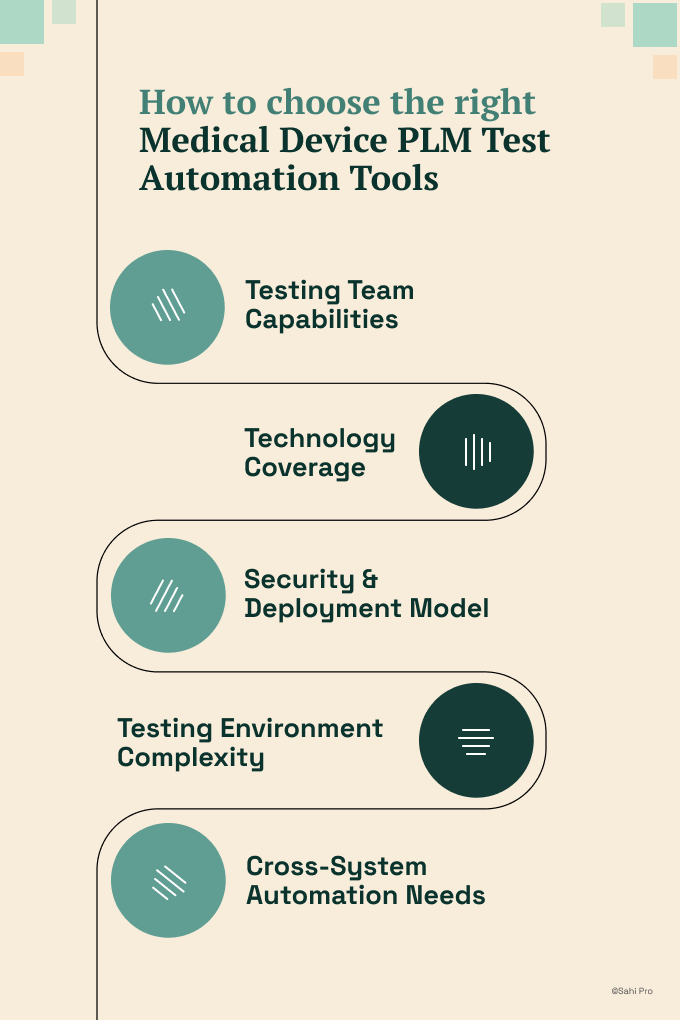
- If your team has no dedicated automation engineer and needs manual testers to build tests, consider Sahi Pro’s BDTA visual builder or Leapwork’s drag-and-drop interface. Both allow non-developers to create and maintain test flows without programming.
- If your plm test automation requires Java thick-client coverage for Teamcenter Rich Client or Windchill desktop components, eliminate any tool that operates on web DOM only. Selenium and Leapwork cannot reach Java Swing elements natively. Sahi Pro’s Desktop add-on and UFT One’s object spy can.
- If your environment requires on-premise deployment with no external data routing, eliminate cloud-only tools immediately. Check the on-premise column in the quick-pick table above. Leapwork’s on-premise option is limited.
- If your scope is purely web-layer plm software testing with no Java clients or canvas-rendered elements, Selenium WebDriver may be sufficient, provided your team can build the compliance reporting layer around it.
- If you need one test suite covering Teamcenter and SAP ERP integration in a single execution, only Sahi Pro’s add-on architecture covers both web, desktop, and SAP GUI layers in one script.
If you are unsure which criteria apply to your deployment, run a proof-of-concept directly against your Teamcenter, ENOVIA, Windchill, or SAP PLM environment. Sahi Pro offers a free trial for this purpose.
How we evaluated Medical Device PLM Test Automation Tools
A generic web testing tool can click buttons and verify text. PLM test automation for medical devices demands more: compliance-formatted output, on-premise data residency, and coverage of technology layers that standard browser automation cannot reach. Effective plm software testing evaluation starts with these criteria, not with feature comparison charts.
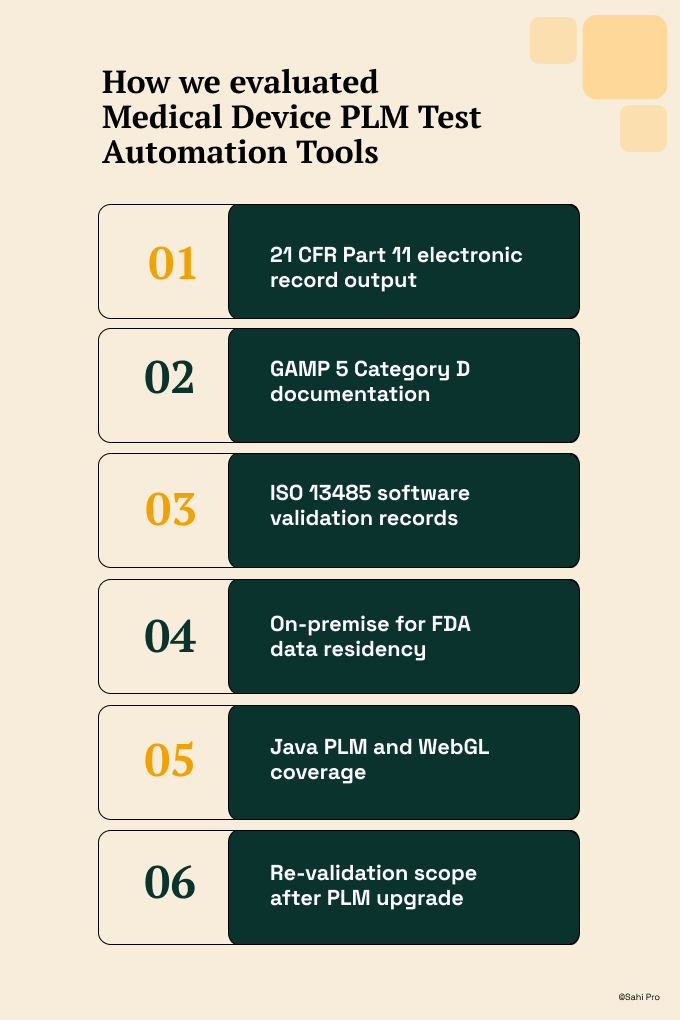
- 21 CFR Part 11 electronic record output: Does the tool produce timestamped structured records satisfying Subpart C requirements for each test step, formatted for direct inclusion in IQ/OQ/PQ validation packages?
- GAMP 5 Category D documentation: Does the vendor provide formal GAMP 5 Category D self-assessment documentation that a CSV programme can reference without custom authoring?
- ISO 13485 software validation records: Does the tool output satisfy ISO 13485:2016 clause 7.5.6 requirements for verification and validation testing documentation of software used in production?
- On-premise for FDA data residency: Can the tool run fully on-premise with no test execution data, results, or license checks leaving the manufacturer’s infrastructure?
- Java PLM and WebGL coverage: Can the tool reach Java thick clients (Teamcenter Rich Client, Windchill desktop) and WebGL-rendered 3D viewers that expose no DOM nodes?
- Re-validation scope after PLM upgrade: Does element identification stability reduce re-qualification effort when a PLM version change restructures the UI hierarchy?
Medical Device: 21 CFR Part 11, ISO 13485, and IQ/OQ/PQ Compliance
21 CFR Part 11 Subpart C requires that electronic records include audit trails with timestamped entries attributable to specific individuals, and that systems producing these records be validated. ISO 13485:2016 clause 7.5.6 requires that all software used in production be validated prior to initial use and after any changes that could affect its ability to achieve intended results (ISO, 2016). GAMP 5 Category D classifies configured products and requires documented evidence of configuration testing. For product lifecycle management testing, the automation tool itself becomes a validated system, and its output must satisfy all three frameworks simultaneously.
Sahi Pro satisfies this requirement through timestamped structured execution records per step, GAMP 5 Category D vendor documentation, and full on-premise deployment. Tricentis Tosca and UFT One offer on-premise deployment and can produce execution logs, but do not provide GAMP 5 Category D self-assessment documentation from the vendor. Selenium WebDriver produces no compliance output natively; teams must build the entire reporting and audit trail layer. Leapwork’s cloud-primary architecture limits its suitability for FDA data residency. Tricentis qTest provides compliance reporting but requires a separate execution tool.
For compliance-specific tool selection, request documentation from each vendor on whether their deployment model satisfies 21 CFR Part 11 Subpart C, ISO 13485:2016 clause 7.5.6, and GAMP 5 Category D data residency requirements. Cloud-only vendors typically cannot provide this.
Real Results: ArisGlobal
ArisGlobal is a global provider of R&D software solutions dedicated to serving life sciences companies in clinical trial, safety, and regulatory information management. They initially started test automation with a leading commercial tool but encountered limitations: no record and playback, no relative APIs for dynamic UI elements, and mandatory object repository maintenance that consumed significant effort. Complex conditional automation could not be handled by their existing framework based on Watij and Selenium.
They moved to Sahi Pro to solve these gaps, specifically to produce structured compliance records from automated test execution while enabling non-technical team members to participate in automation.
The results after implementation:
- 70% reduction in time for multiple report generation for one of the life sciences products.
- Data-driven tests reduced testing cycles across multiple test data sets, improving total coverage.
- Non-technical team members able to participate in automation without specialized skills.
- Positional Relation APIs automated controls without specific unique identifiers, critical for dynamic PLM UI elements.
Important Takeaway
For medical device and life sciences teams running Teamcenter, ENOVIA, Windchill, or SAP PLM, Sahi Pro is the strongest fit when you need 21 CFR Part 11, ISO 13485, and GAMP 5 compliance output from a single on-premise installation that covers web, Java thick client, and WebGL layers. Teams with simpler scope, such as web-only PLM portals and existing engineering capacity, may find Selenium WebDriver sufficient. Organizations already invested in Tosca for SAP ERP should evaluate extending that investment before introducing a second vendor.
Sahi Pro offers a free trial. You can test it against your own Teamcenter, ENOVIA, Windchill, or SAP PLM environment before any license decision. If you want to see how it handles your most complex validation scenario, Book A Demo and bring the test case that has been hardest to automate. That is the fastest way to know if it fits.