Selenium covers everything visible in the Teamcenter Active Workspace browser interface. The BOM management, engineering change, and CAD integration workflows your team actually needs to validate are not in that interface.
TL;DR
- Teamcenter Active Workspace is an HTML5 browser frontend, Selenium, Playwright, and Cypress reach it reliably. The Rich Application Client (RAC) is a Java SWT desktop application that handles BOM management, engineering change, and part classification, these tools cannot reach it at all
- Most production defects in Teamcenter deployments originate in Java RAC workflows, not browser-layer navigation. A Selenium-only suite produces healthy coverage statistics while leaving the consequential test scenarios unautomated
- Sahi Pro’s JavaScript scripting model means Selenium engineers can transfer their test logic, data structures, and suite architecture directly, the identification layer changes, the rest does not
- Siemens AG ran 340 BOM tree test cases on Sahi Pro across an Active Workspace 6.x upgrade and saw zero script regressions
- Migration from Selenium to Sahi Pro for an Active Workspace suite is significantly lower effort than migrating from VBScript-based tools because Sahi Pro uses the same scripting language Selenium engineers already know
How Most Teamcenter Automation Projects Hit This Wall
The sequence is predictable. A QA team starts a Teamcenter automation initiative. They open Active Workspace in a browser, find a reasonably modern HTML5 interface, and decide Selenium is the right tool. Selenium handles the navigation, search workflows, document management, and approvals that live in the browser portal. Coverage numbers grow. The team is six months in, 40% coverage, and feeling good.
Then someone asks them to automate the BOM validation workflow that runs before every production release. Or the engineering change approval sequence. Or the CAD model check-in process that involves Creo plugin windows inside Active Workspace.
None of these are in the browser interface. They run in the Java Rich Application Client, a Java SWT desktop application that Selenium’s WebDriver protocol cannot reach. WebDriver queries the browser DOM. The Java RAC has no browser DOM. WebDriver returns null on every interaction attempt, regardless of configuration.
This is not a Selenium limitation in the sense of a missing feature. It is an architectural boundary. WebDriver was designed for browser-based applications. The Teamcenter RAC is not a browser-based application. The two systems have no shared layer that automation can cross between them without a fundamentally different tool.
Where Teamcenter’s Most Consequential Test Scenarios Actually Live
Understanding which Teamcenter layer hosts which workflows tells you exactly how large the coverage gap is.
Active Workspace (browser layer): Navigation and search, workflow dashboard and task approval, document viewing and markup, dashboard reporting, and basic attribute viewing for most parts. These are important workflows, but they are secondary to the data management that drives production decisions.
Java Rich Application Client: BOM structure management, engineering change order creation and routing, part and assembly classification, configuration management, CAD integration (Creo, NX, CATIA), and administrative functions. For manufacturing and engineering teams, this is where quality-critical data management happens. A BOM sync error, an engineering change that routes incorrectly, or a configuration management gap, these originate in RAC workflows.
The test scenarios that prevent production defects are overwhelmingly in the RAC layer. Automating the browser layer and leaving the RAC unautomated produces statistics that look like coverage and function like a gap.
What Actually Breaks When You Have a Selenium-Only Teamcenter Suite
Three scenario categories consistently expose the Selenium coverage gap.
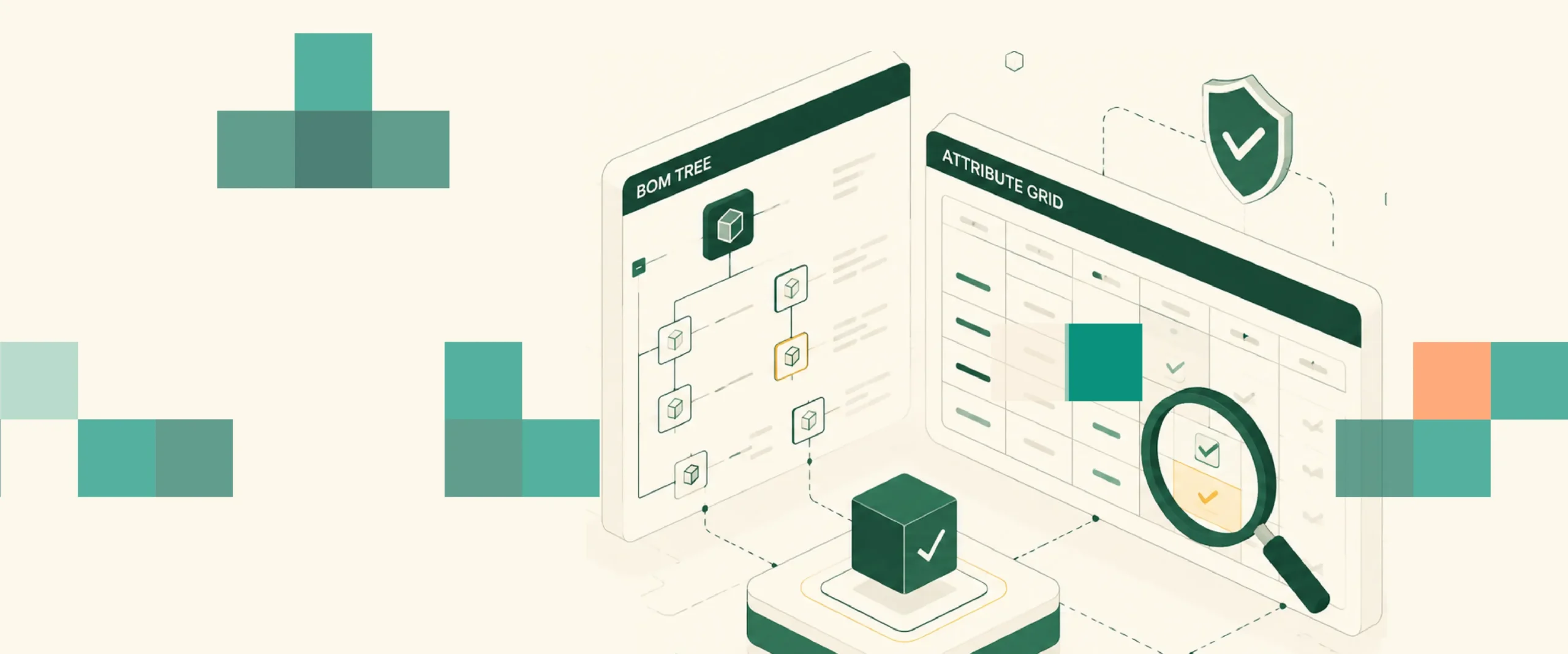
BOM validation before production release. The production BOM must match the design authority BOM. Validating this requires navigating the RAC BOM structure manager, expanding assembly trees, and comparing attribute values. None of this is in the browser layer.
Engineering change order traceability. An ECO moves through approval stages in both Active Workspace (visible workflow steps) and the RAC (the actual change record creation and routing). Automation that validates only the Active Workspace approval status misses whether the change was correctly recorded in the underlying data structure.
CAD integration validation. Creo, NX, and CATIA plugin windows open inside Active Workspace sessions but render outside the browser DOM. Design check automation that validates whether a CATIA model meets specification requires interacting with the CATIA plugin window, invisible to Selenium.
Five Tools That Handle Both Layers
1. Sahi Pro
Sahi Pro is the strongest fit for teams migrating from Selenium and needing cross-layer Teamcenter coverage without rebuilding their test architecture from scratch.
The migration path is the most direct of any tool in this list. Sahi Pro uses JavaScript as its scripting language. Selenium engineers write JavaScript for their test logic, data processing, and assertion frameworks. Moving from Selenium to Sahi Pro means rewriting element identification calls, the parts that currently call WebDriver methods, and leaving the surrounding test logic largely intact. Suite architecture, test data structures, CI/CD pipeline integrations, and reporting setups all transfer.
The Desktop add-on provides native Java SWT access to the Teamcenter RAC. BOM management panels, engineering change interfaces, and part classification dialogs all run in the same Sahi Pro test framework as Active Workspace browser automation. A cross-layer test, starting in Active Workspace, switching to the RAC for BOM validation, returning to Active Workspace for approval confirmation, runs in one continuous script.
Proximity-based identification means Active Workspace tests survive DOM restructuring across Siemens releases. A Siemens AG team running 340 Teamcenter BOM tree test cases saw zero script regressions after an Active Workspace 6.x upgrade. Coverage expanded from 35% to 72% of Teamcenter workflows within six months of adopting Sahi Pro, with coverage gains coming primarily from newly automated RAC workflows.
Honest limitation: The Desktop add-on is separately licensed. Confirm the module cost and current compatibility with your Active Workspace and RAC versions.
2. UFT One (OpenText)
UFT One provides genuine Teamcenter RAC coverage through its Java Add-in and is the strongest legacy option for teams with existing UFT One investment. Java thick-client element identification is mature and well-documented. Compliance documentation capabilities are appropriate for regulated Teamcenter programmes.
The migration path from Selenium to UFT One is higher friction than Selenium to Sahi Pro because UFT One uses VBScript rather than JavaScript. Test logic written in JavaScript for Selenium needs to be rewritten rather than adapted.
Honest limitation: High licensing cost, VBScript scripting language, and Java object hierarchy dependency on PTC version upgrades are the primary friction points. For teams not already invested in UFT One, the cost and scripting language barrier make Sahi Pro the more natural migration target.
3. Tricentis Tosca
Tosca covers both Active Workspace and the Java RAC and is widely deployed in enterprise Teamcenter environments. For programmes where centralized test governance, model reusability, and formal compliance documentation are primary requirements, Tosca’s model-based architecture provides a structured framework.
The migration path from Selenium to Tosca involves rebuilding the entire test suite in Tosca’s TCD model format, there is no meaningful code transfer from Selenium JavaScript to Tosca models.
Honest limitation: Full test suite rebuild required for migration. Tosca TBox certification required for test authoring. Highest cost of the five tools. Correct choice for large programmes with dedicated automation specialists and centralized governance requirements.
4. TestComplete (SmartBear)
TestComplete covers Active Workspace through standard browser automation and the RAC through its Java bridge. JavaScript scripting support means Selenium engineers have a shorter learning curve than with VBScript tools.
CI/CD integration with Jenkins and Azure DevOps is native. For teams already running TestComplete for other applications, adding Teamcenter coverage within the existing tool avoids another vendor relationship.
Honest limitation: Teamcenter-specific compliance record output and CATIA plugin window automation require additional custom development. For general Teamcenter Active Workspace and RAC coverage without specialized compliance requirements, TestComplete is a practical option.
5. Selenium (Reference Baseline)
Selenium remains the correct tool for one specific scenario: programmes where Active Workspace browser-layer automation is the entire intended scope, and the Java RAC workflows are either handled by a separate tool or intentionally excluded from automation.
For teams evaluating Selenium for a Teamcenter programme that includes BOM validation, engineering change traceability, or CAD integration testing, this is the evaluation. Selenium cannot reach those scenarios.
Honest limitation: Java RAC, CATIA plugin windows, and cross-layer test sequences are outside Selenium’s architectural scope. AS9100D or IATF 16949-ready execution records require custom post-processing tooling.
How Migration From Selenium to Sahi Pro Actually Works
For teams convinced that cross-layer coverage is necessary and evaluating the migration effort, here is the practical breakdown.
Test logic: transfers directly. Selenium test logic written in JavaScript uses standard programming patterns, conditional checks, loops, data parameterization, assertion frameworks, that translate directly to Sahi Pro. The business logic does not change.
Test data: transfers directly. CSV files, JSON data sources, Excel parameterization, all of these work identically in Sahi Pro.
Element identification: rebuilt. Every driver.findElement() call in your Selenium tests gets replaced with a Sahi Pro element accessor. This is the only significant rebuild effort. For a 100-script Active Workspace suite, an experienced engineer rebuilds the identification layer in two to four weeks.
CI/CD integration: transfers with minor reconfiguration. Sahi Pro integrates with Jenkins, Azure DevOps, GitLab CI, and GitHub Actions. The pipeline triggers a different execution command, but the structure is the same.
What gets added: RAC coverage. The new capability, Java RAC automation, requires new test scripts for the RAC scenarios that were never covered. Budget this as new test development work, not migration work. A BOM validation test suite covering the RAC workflows that matter most for your programme will run eight to twelve additional weeks of development after the Active Workspace migration is complete.
Sources
- Siemens Teamcenter Rich Application Client and Active Workspace architecture, blogs.sw.siemens.com/teamcenter
- Convergence Data: 4 Key Differences Between Teamcenter Active Workspace and the Rich Application Client, convergencedata.com
- Sahi Pro: 7 Best Teamcenter Test Automation Tools for BOM and Workflow Testing in 2026 (Siemens AG case study), sahipro.com/best-teamcenter-test-automation-tools-bom-workflow-testing-2026/
- Sahi Pro: Self Healing Test Automation for Teamcenter: Proximity-Based Element ID, sahipro.com/self-healing-test-automation-teamcenter/
- Sahi Pro: Cross Platform Test Automation: Sahi Pro Web, Java, and API, sahipro.com/cross-platform-test-automation-sahi-pro/