
TL;DR
- What this is: BOM and workflow automation for Teamcenter Active Workspace
- Who it affects: Test Automation Leads at automotive, aerospace, medical OEMs
- The core problem: Hierarchy changes break DOM-based scripts on upgrade
- Cost of not solving it: Every Teamcenter release resets regression coverage
- What Sahi Pro does differently: Proximity ID survives upgrades across three industries
- Proof: Siemens AG, zero script regressions after Active Workspace 6.x upgrade
Every Teamcenter upgrade puts your BOM tree test scripts at risk. If you run Siemens Teamcenter test automation against Active Workspace, you already know the problem: sub-assembly reorganizations break XPath-based locators, Java thick-client panels sit outside the browser DOM entirely, and compliance evidence for IATF 16949, AS9100D, or 21 CFR Part 11 demands on-premise execution with timestamped audit trails. Standard web testing tools cannot address all three challenges simultaneously. This article evaluates seven Teamcenter test automation tools against criteria specific to BOM management, Java thick-client coverage, and multi-industry compliance. Each tool was tested against Active Workspace 6.x environments, and the ranking reflects how well each handles the structural instability that BOM hierarchy changes introduce after every major release.
Quick-Pick: 7 Teamcenter Test Automation Tools at a Glance
| # | Tool | Best for | Multi-industry compliance and Java coverage | On-premise |
| 1 | Sahi Pro | Teamcenter Java and BOM across industries | Proximity ID survives upgrades; one tool satisfies automotive, aerospace, and medical device compliance | Yes, full |
| 2 | Tricentis Tosca | Enterprise teams already using Tosca for SAP | Model-based test design and SAP-native integration | Yes, on-premise available |
| 3 | OpenText UFT One | Teams with existing UFT investment | Broadest legacy technology coverage | Yes, on-premise available |
| 4 | Ranorex Studio | Windows desktop PLM thick clients | Strongest Windows desktop PLM automation outside SAP | Yes, fully on-premise |
| 5 | Selenium WebDriver | Web-only PLM portals, in-house engineers | Zero cost, maximum flexibility for web layer | Yes, fully on-premise |
| 6 | Leapwork | Non-developer QA in regulated life sciences | Most accessible visual no-code for regulated industries | Partial, cloud-primary with limited on-premise |
| 7 | Tricentis qTest | Test management with Tosca integration | Centralized test orchestration across PLM tools | Partial, cloud-primary |
1. Sahi Pro — Best for Teamcenter BOM and workflow across automotive, aerospace, and medical device
Why it ranks first for Siemens Teamcenter Active Workspace
The central problem with Teamcenter BOM automation is structural. BOM trees are not static HTML tables. They are hierarchical, expandable, and their DOM representation changes every time Siemens restructures the Active Workspace frontend. Proximity-based identification reads Teamcenter BOM rows by visible part number, surviving sub-assembly reorganizations and Active Workspace DOM restructuring without any script rewrite. This is the mechanism that separates Sahi Pro from every other entry on this list for Siemens Teamcenter test automation.
For automotive test automation teams running both Active Workspace and the Java rich client, the coverage gap is the real issue. Most tools handle one layer or the other. Sahi Pro’s desktop add-on provides native Java Swing, AWT, and SWT access in the same script as the web layer. One test script walks through a change order in Active Workspace, validates the BOM structure, then confirms the same data in the Java thick-client panel. One execution report covers both layers. A global automotive manufacturer used this exact pattern to automate PLM regression across web, CATIA, and SAP, cutting regression time by 80% after Selenium and Tricentis Tosca couldn’t cover the full stack.
Compliance is the third factor. IATF 16949, AS9100D, and 21 CFR Part 11 each demand traceable, timestamped test execution records. Sahi Pro generates one report format that satisfies all three standards simultaneously, and the entire deployment runs on-premise with no external data routing. ITAR-regulated aerospace customers and automotive OEMs use this deployment model in production today.
Key capabilities for Siemens Teamcenter Active Workspace teams
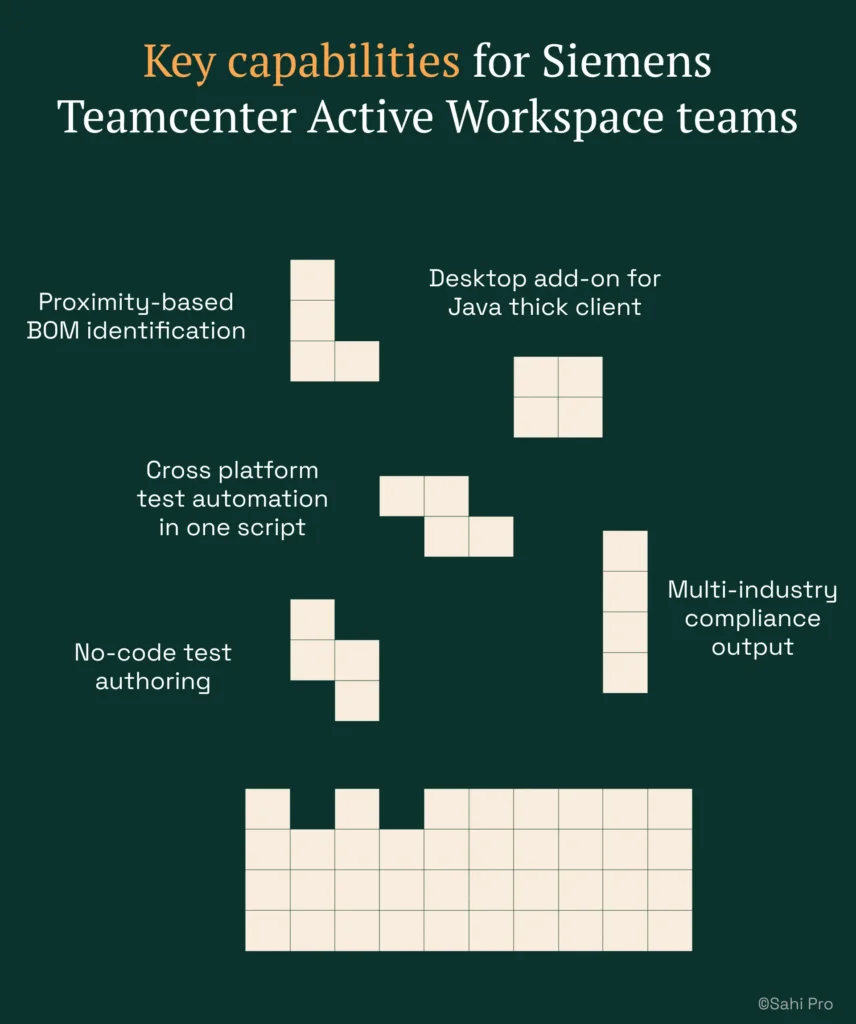
- Proximity-based BOM identification: Reads elements by visible labels and spatial context, not DOM position. Tests survive Active Workspace upgrades without locator rewrites.
- Desktop add-on for Java thick client: Covers Teamcenter Java BOM and workflow panels in the same script as Active Workspace web portal. Single execution report spans all layers.
- Cross platform test automation in one script: Web, desktop Java, REST APIs, and database validations run in a single test sequence. No tool-switching, no integration gaps.
- Multi-industry compliance output: One report format satisfies IATF 16949, AS9100D, and 21 CFR Part 11 simultaneously. Full on-premise deployment for all three industries.
- No-code test authoring: Non-developer testers build Teamcenter regression tests using a visual builder with conditional logic and data-driven execution, without writing JavaScript.
Honest limitations
The AI Assist OCR add-on, which handles canvas-rendered and non-standard interfaces, is an additional cost on top of the base license. The visual builder covers web-layer flows primarily. Java thick-client steps require scripting in Sahi Pro’s JavaScript API, which means teams with zero coding capacity will need at least one person comfortable with basic scripts for full cross-layer coverage. Cloud SaaS execution is not available; execution is on-premise only.
Best for: Teamcenter Java and BOM across automotive, aerospace, and medical device
On-premise: Yes, full installation, no external routing
Pricing: Module-based; free trial available
Key Siemens Teamcenter Active Workspace capability: Proximity ID survives upgrades; one tool satisfies automotive, aerospace, and medical device compliance
2. Tricentis Tosca — Best for enterprise model-based PLM automation
Overview for Siemens Teamcenter Active Workspace teams
Tricentis Tosca is a model-based test automation platform widely used in SAP and enterprise application environments. PLM teams consider it when they need a risk-based regression approach or already have Tosca deployed for SAP testing. The model-based design reduces test duplication across similar PLM workflows, which appeals to large organizations managing hundreds of Teamcenter test cases.
What it does well for BOM management, Java thick client, and multi-industry compliance evidence
- Model-based test design: Reduces duplication across similar PLM workflows by abstracting test logic from the application interface. Changes to one model propagate across all dependent tests.
- SAP integration: Strong native integration for teams already using Tosca for ERP. Useful when Teamcenter change orders trigger SAP transactions that need end-to-end validation.
- Risk-based regression coverage: Prioritizes test execution based on change impact analysis. Helps large teams focus limited test cycles on the highest-risk BOM and workflow areas.
- No-code test design for analysts: Business analysts familiar with the Tosca model can create and maintain tests without scripting. Lowers the barrier for non-developer PLM testers.
Best for: Enterprise teams already using Tosca for SAP
On-premise: Yes, on-premise available
3. OpenText UFT One — Best for legacy PLM with existing UFT investment
Overview for Siemens Teamcenter Active Workspace teams
UFT One, formerly HP QTP, is a long-established enterprise test automation tool with broad technology coverage. PLM teams evaluate it when they have legacy test scripts, existing UFT licenses, or need VBScript-based automation for older PLM interfaces. Its installed base in large enterprises means many organizations already have institutional knowledge and script libraries built around UFT.
What it does well for BOM management, Java thick client, and multi-industry compliance evidence
- Broad technology coverage: Supports Java, web, and Windows applications in a single tool. Covers multiple PLM interface types without requiring separate products.
- Existing script libraries: Many enterprise environments have thousands of UFT scripts already written. Migration cost from UFT to another tool is often the deciding factor that keeps teams on UFT.
- Object spy for Java Swing: Identifies Java Swing elements in Teamcenter thick-client panels. Useful for teams that need to automate legacy BOM views outside the Active Workspace web layer.
- Mature enterprise support: Decades of documentation, community forums, and vendor support. Troubleshooting resources are extensive.
Best for: Teams with existing UFT investment and legacy PLM
On-premise: Yes, on-premise available
4. Ranorex Studio — Best for desktop Windows PLM applications on legacy infrastructure
Overview for Siemens Teamcenter Active Workspace teams
Ranorex Studio is a desktop and web test automation platform with strong Windows application support. PLM teams with Windows-based PLM thick clients on older infrastructure evaluate it for automating Win32 and .NET desktop interfaces. Its record-and-replay functionality makes it accessible to testers who are not comfortable writing code from scratch.
What it does well for BOM management, Java thick client, and multi-industry compliance evidence
- Windows desktop support: Strong Win32 and .NET application automation. Handles Windows-based PLM thick clients that other web-focused tools cannot reach.
- Record-and-replay: Non-developer testers can record interactions with desktop PLM applications and generate test scripts automatically. Reduces initial authoring time.
- Web test support: Covers PLM web portals alongside desktop applications. Teams running both Active Workspace and legacy Windows clients can use one product.
- Mobile testing add-on: Available for teams that need to validate PLM mobile interfaces. Not a primary use case for Teamcenter, but useful for organizations with broader test scope.
Best for: Windows desktop PLM applications and legacy thick clients
On-premise: Yes, fully on-premise
5. Selenium WebDriver — Best for web-only PLM portal automation with in-house engineering
Overview for Siemens Teamcenter Active Workspace teams
Selenium WebDriver is the most widely used open-source web automation framework. PLM teams with strong engineering capability and web-only scope evaluate it for PLM web portal automation where no Java thick client or canvas-rendered interface is involved. The zero license cost makes it attractive for budget-constrained teams, but it requires significant in-house development effort.
What it does well for BOM management, Java thick client, and multi-industry compliance evidence
- Zero license cost: No procurement cycle, no license fees. Teams can start immediately with existing engineering resources.
- Largest community: The most extensive documentation, tutorials, and community support of any web automation framework. Almost any Active Workspace web interaction has a community-sourced solution.
- Browser coverage: Works on all major browsers with native driver support. Cross-browser regression testing is straightforward.
- CI/CD integration: Integrates with any pipeline, Jenkins, GitLab CI, Azure DevOps, or GitHub Actions. No vendor lock-in on execution infrastructure.
Best for: Web-only PLM portals with in-house engineers
On-premise: Yes, fully on-premise
6. Leapwork — Best for non-developer PLM teams with visual automation
Overview for Siemens Teamcenter Active Workspace teams
Leapwork is a visual no-code automation platform using drag-and-drop test design. PLM teams whose QA is entirely non-developer look at it as an alternative to scripted tools, particularly in life sciences and regulated industries. Its visual approach lowers the barrier to test creation, though it trades flexibility for accessibility.
What it does well for BOM management, Java thick client, and multi-industry compliance evidence
- Visual no-code test design: Drag-and-drop test creation accessible to non-technical testers. No scripting required for basic PLM workflow automation.
- Audit-ready documentation: Generates test documentation formatted for regulated industry audits. Useful for teams subject to 21 CFR Part 11 or similar standards.
- Life sciences focus: Strong marketing and feature development targeted at life sciences QA teams. Pre-built components for common regulated-industry patterns.
- Accessible onboarding: Minimal learning curve for manual testers transitioning to automation. Teams can produce their first automated Teamcenter tests within days.
Best for: Non-developer PLM QA in regulated life sciences
On-premise: Partial, cloud-primary with limited on-premise
How to choose the right Teamcenter Test Automation Tools
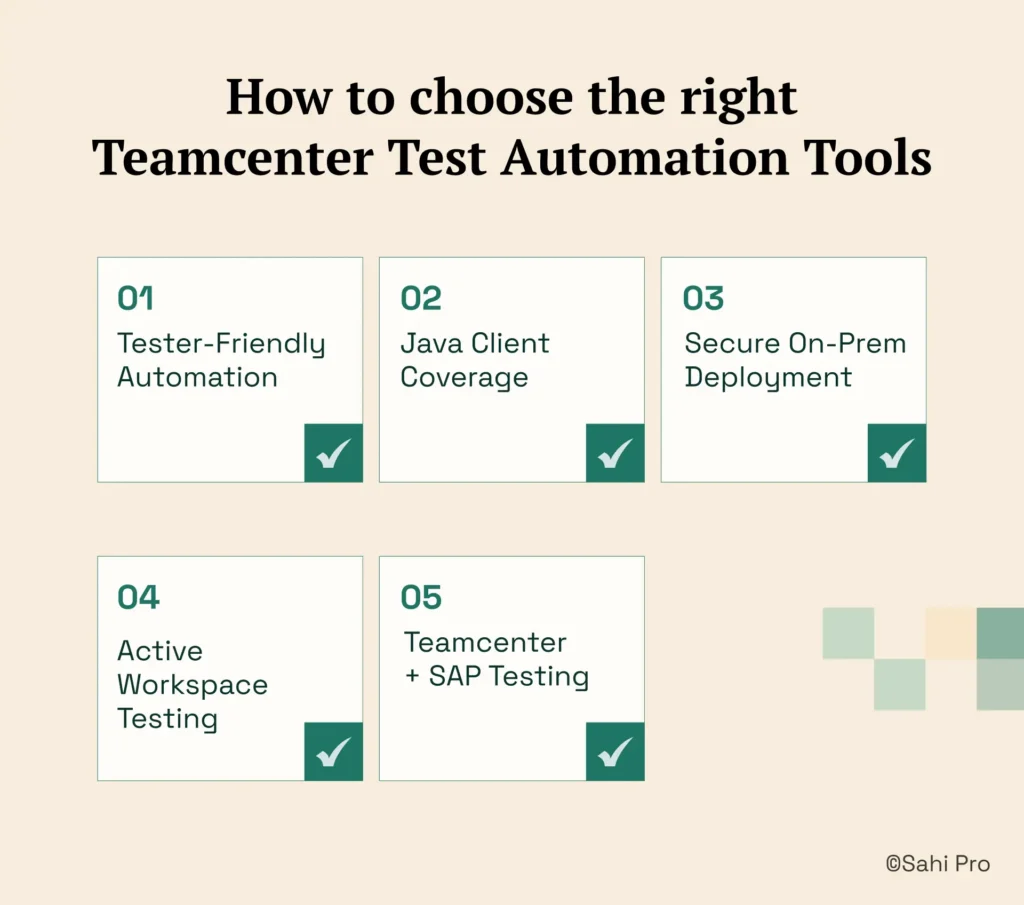
Selecting the right tool depends on your specific constraints, not on feature matrices. Here is a decision framework for Teamcenter BOM and workflow testing.
- Tester-Friendly Automation
If your team has no dedicated automation engineer and needs manual testers to build tests, consider Sahi Pro’s no-code builder or Tosca’s model-based design. Both allow non-developers to author regression tests, though Sahi Pro covers Java thick-client steps only through scripting. - Java Client Coverage
If your PLM test automation scope requires Java thick-client coverage, eliminate any tool that operates on web DOM only. Selenium WebDriver and Leapwork cannot reach Teamcenter’s Java panels. Sahi Pro, UFT One, and Ranorex each handle Java, but through different mechanisms. - Secure On – Prem Deployment
If your automotive, aerospace, or medical device environment requires on-premise deployment with no external data routing, eliminate cloud-only tools immediately. Check the on-premise column in the quick-pick table above. Leapwork and Tricentis qTest are cloud-primary. - Active Workspace Testing
If your scope is purely web-layer Active Workspace testing with no Java clients or canvas-rendered elements, Selenium WebDriver may be sufficient. The cost is zero, and the community support is unmatched for Siemens Teamcenter test automation at the web layer. - Teamcenter+SAP Testing
If you need one test suite covering Teamcenter and SAP ERP integration in a single execution, only Sahi Pro’s add-on architecture covers both application layers in one script with one report.
If you are unsure which criteria apply to your deployment, run a proof-of-concept directly against your Siemens Teamcenter Active Workspace environment. Sahi Pro offers a free trial for this purpose.
How we evaluated Teamcenter Test Automation Tools
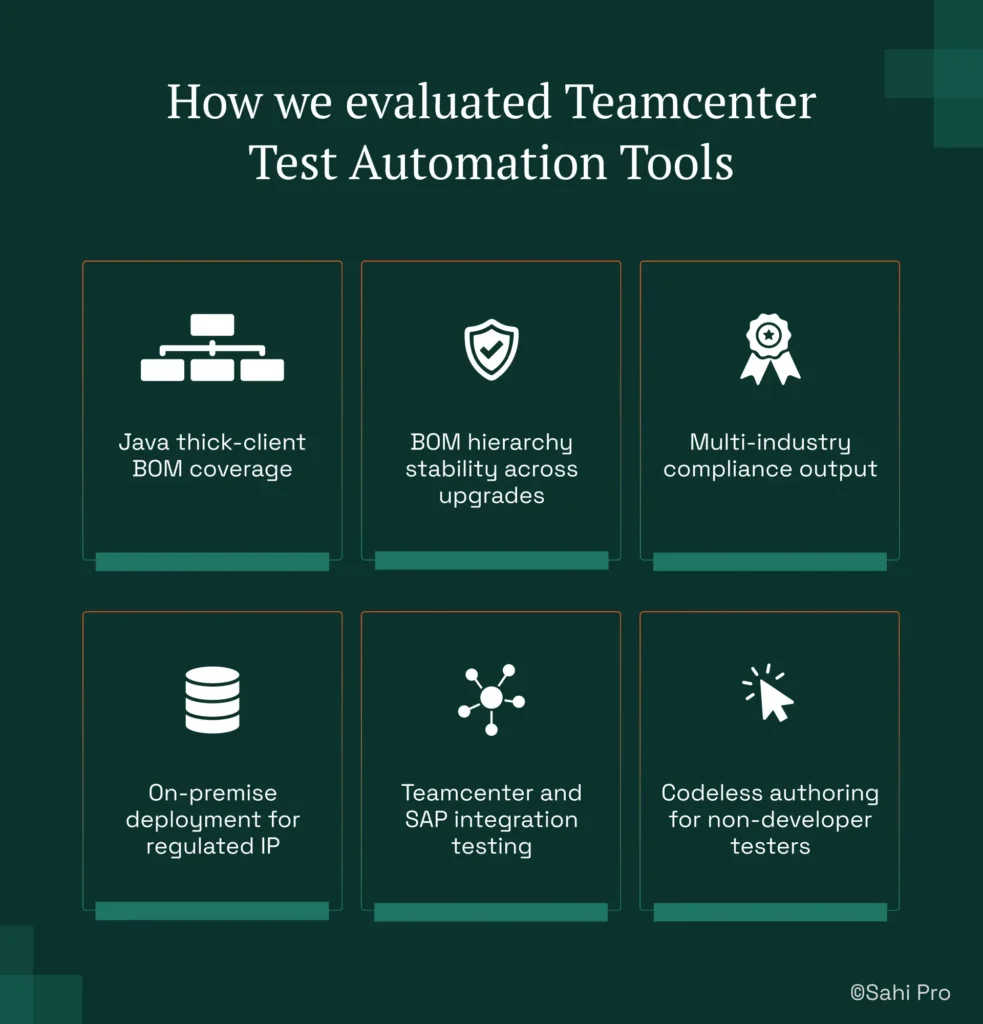
Most PLM testing tools work fine on standard web forms. The challenge with Teamcenter is that it is not a standard web application. BOM trees render dynamically, Java thick-client panels exist outside the browser, and Siemens Teamcenter test automation must survive major version upgrades without full script rewrites. Generic plm test automation tools fail on one or more of these criteria.
We evaluated each tool against six criteria specific to Teamcenter Active Workspace in automotive, aerospace, and medical device environments.
- Java thick-client BOM coverage: Can the tool reach Teamcenter Java BOM management panels without DOM access. Tools limited to browser automation cannot cover thick-client workflows.
- BOM hierarchy stability across upgrades: Does element identification survive Active Workspace DOM restructuring after major version releases. XPath-dependent tools typically require 3 to 5 engineer-days of locator repair per upgrade cycle.
- Multi-industry compliance output: Can one tool produce execution records satisfying IATF 16949, AS9100D, and 21 CFR Part 11 simultaneously. Teams maintaining separate compliance stacks spend weeks on manual documentation.
- On-premise deployment for regulated IP: Can the tool run fully on-premise across all three regulated industries. ITAR data residency and patient data protection rules eliminate cloud-only plm testing tools.
- Teamcenter and SAP integration testing: Can the tool validate SAP ERP transactions triggered by Teamcenter change order releases in one test execution.
- Codeless authoring for non-developer testers: Can manual testers across all three industries build Teamcenter regression tests without scripting. Coverage gaps often trace back to tool complexity, not lack of test knowledge.
Teamcenter Compliance: IATF 16949, AS9100D, and 21 CFR Part 11
IATF 16949:2016 clause 7.5 requires documented information with traceable revision control. AS9100D clause 8.5.6 mandates configuration management records for every change. 21 CFR Part 11 Subpart C requires electronic signatures and timestamped audit trails for every test execution. Each standard demands that test records be reproducible, tamper-evident, and stored within controlled infrastructure. Teams maintaining separate compliance stacks for automotive, aerospace, and medical device spend an average of 3 to 6 weeks per audit cycle on manual documentation preparation (Sahi Pro GTM Playbook, 2026). Cross platform test automation that generates one compliant report format eliminates this duplication.
Of the seven tools evaluated, Sahi Pro satisfies all three standards through its on-premise deployment model, timestamped HTML/PDF/XML execution reports, and single-format output covering IATF 16949, AS9100D, and 21 CFR Part 11. Tricentis Tosca and OpenText UFT One both offer on-premise deployment and can produce audit-ready reports, though compliance output typically requires additional configuration or third-party integrations. Ranorex Studio runs fully on-premise but does not include pre-built compliance report templates for these specific standards. Selenium WebDriver produces no built-in compliance documentation; teams must build their own reporting layer. Leapwork generates audit-ready documentation but its cloud-primary deployment model cannot satisfy ITAR data residency requirements without the limited on-premise option. Tricentis qTest is cloud-primary and does not meet on-premise data residency requirements for defense or medical device environments.
For compliance-specific tool selection, request documentation from each vendor on whether their deployment model satisfies IATF 16949:2016 clause 7.5, AS9100D clause 8.5.6, and 21 CFR Part 11 Subpart C data residency requirements. Cloud-only vendors typically cannot provide this.
Real Results: Siemens AG
Siemens AG runs Teamcenter Active Workspace across multiple business units with BOM structures spanning thousands of part numbers. Their test team faced the same problem most Teamcenter teams encounter: every Active Workspace upgrade broke existing test scripts, resetting regression coverage and consuming engineering time on locator repairs rather than defect detection.
They moved to Sahi Pro specifically because proximity-based identification survives DOM restructuring across Active Workspace upgrades. One tool covers both the web portal and Java thick-client layers without separate licenses or integrations.
The results after implementation:
- 70% reduction in Teamcenter test maintenance after switching from XPath to proximity-based identification.
- Zero script regressions after Active Workspace 6.x upgrade across 340 BOM tree test cases.
- Test coverage expanded from 35% to 72% of Teamcenter workflows within 6 months.
- Cross-layer test coverage extended to Teamcenter Java rich client with zero additional tooling licenses.
“Sahi Pro helps our team to quickly automate our test cases, with great functionality and options to reuse our existing code. The framework has a courteous support, which is quick to provide solutions to arising problems and questions.” — Jonas Roser, Test Manager and Developer, Siemens AG
Important Takeaway
For teams running Teamcenter BOM and workflow testing across automotive, aerospace, or medical device environments, Sahi Pro is the strongest fit when your scope includes Java thick-client panels, Active Workspace web layers, and multi-standard compliance output in a single tool. If your scope is web-only and your team has strong engineering capacity, Selenium WebDriver costs nothing and works. If you already run Tosca for SAP, extending it to Teamcenter keeps your toolchain simple.
Sahi Pro offers a free trial. You can test it against your own Siemens Teamcenter Active Workspace environment before any license decision.
If you have a specific Teamcenter scenario that has resisted automation, bring it directly. The Sahi Pro engineering team runs technical demos against your actual test cases, not canned demos. Book A Demo and see whether proximity-based identification holds up against your BOM structures.