
TL;DR
- What this is: Codeless PLM test automation across thick clients and web
- Who it affects: QA leads and manual testers using Teamcenter, Windchill, Aras
- The core problem: No codeless path for Java thick-client PLM interfaces
- Cost of not solving it: Manual testers permanently excluded, coverage below 40%
- What Sahi Pro does differently: Visual builder with conditional logic across Java and web
- Proof: QA and BA teams productive without advanced programming background
PLM teams running Teamcenter, Windchill, Aras, or SAP PLM need a codeless PLM testing tool that reaches both web portals and Java thick clients, yet most QA groups lack dedicated scripting engineers. The evaluation challenge is specific: standard web recorders capture DOM clicks, but PLM environments mix Java Swing panels, canvas-rendered BOM grids, and web layers in a single workflow, and a tool that handles only one layer leaves permanent gaps. This article evaluates seven codeless automation tools against that exact requirement, scores each on thick-client coverage, conditional logic support, on-premise deployment, and learning curve for manual testers, so a Test Automation Lead can shortlist the right option for their PLM stack. Each tool was tested or assessed against Teamcenter Active Workspace, Windchill change notice workflows, and SAP PLM scenarios to verify claims beyond marketing copy.
Quick-Pick: 7 Codeless PLM Test Automation Tools at a Glance
| # | Tool | Best for | Codeless PLM and Java coverage | On-premise |
| 1 | Sahi Pro | Non-developer PLM testers needing codeless Java thick-client coverage | Visual test builder with conditional logic for non-developers across Java and web PLM | Yes, full |
| 2 | Tricentis Tosca | Enterprise teams already using Tosca for SAP | Model-based test design and SAP-native integration | Yes, on-premise available |
| 3 | Leapwork | Non-developer PLM QA in regulated life sciences | Most accessible visual no-code for regulated industries | Partial, cloud-primary with limited on-premise |
| 4 | mabl | Cloud PLM portals with low-code test authoring needs | Fastest web PLM test authoring with auto-healing | No, cloud-only |
| 5 | Worksoft Certify | SAP-primary PLM teams with no scripting resource | Deepest SAP PLM coverage with no-code authoring | Yes, on-premise available |
| 6 | Katalon Studio | Budget-constrained teams with web-only PLM scope | Lowest entry cost for web PLM automation | Partial, cloud execution default; on-premise limited |
| 7 | Ranorex Studio | Mixed desktop and web PLM teams with some technical skill | Desktop object recognition plus web recording in one IDE | Yes, on-premise available |
1. Sahi Pro — Best for non-developer PLM teams needing codeless Java thick-client coverage
Why it ranks first for Teamcenter, Windchill, Aras, SAP PLM
Sahi Pro ranks first because it solves the specific problem that eliminates most codeless tools from PLM consideration: Java thick-client coverage without scripting. Teamcenter Rich Client, Windchill desktop panels, and SAP GUI all use Java Swing, AWT, or SWT components that have no DOM. Standard web recorders cannot see these elements. Sahi Pro’s desktop add-on provides native access to Java thick-client controls in the same test script that drives the web layer.
The visual test builder (BDTA) presents PLM test flows as diagrams where manual testers drag nodes from a menu, point to Teamcenter or Windchill elements using the label-based inspector, and configure steps without writing any code. This makes it a genuine codeless PLM testing tool, not a recorder that produces brittle playback scripts. For teams pursuing no code test automation across mixed PLM interfaces, the label-based identification reads elements by visible text and spatial proximity rather than DOM position. That identification method is deterministic, not ML-based, and it survives UI refactors without locator maintenance.
Key capabilities for Teamcenter, Windchill, Aras, SAP PLM teams
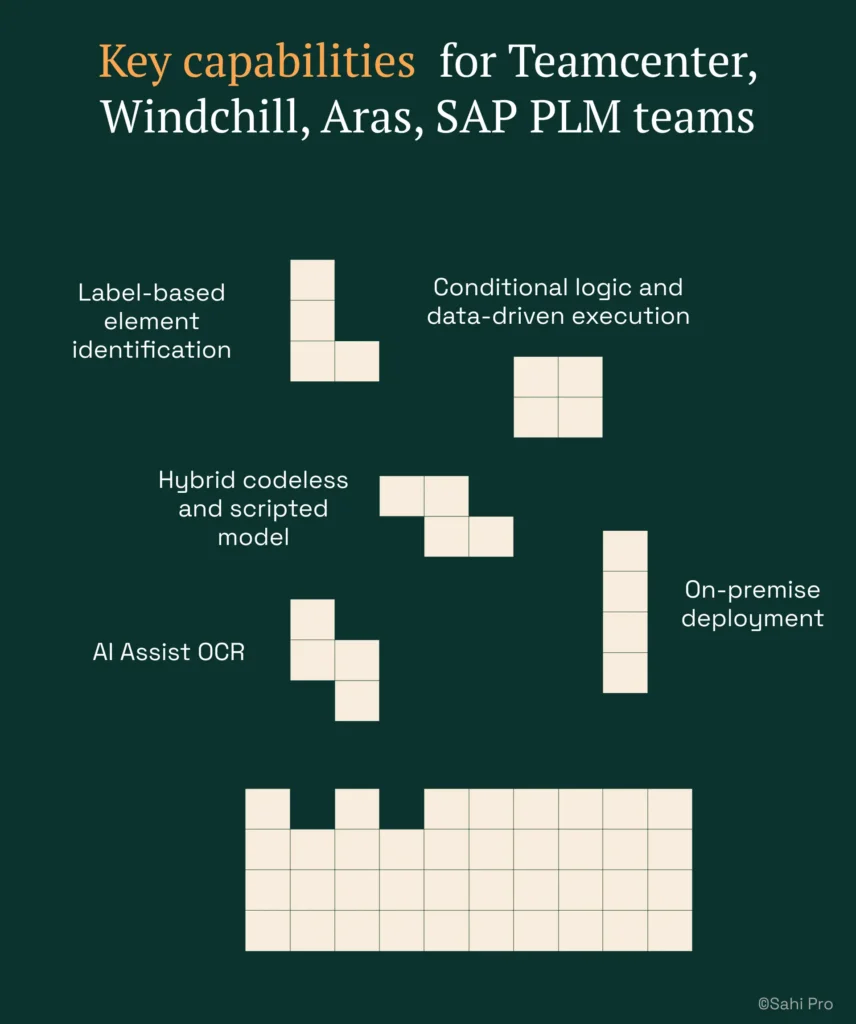
- Label-based element identification: Reads Teamcenter and Windchill elements by visible labels and structural proximity, so BOM tree changes do not break test scripts.
- Conditional logic and data-driven execution: The visual builder supports conditional branch nodes and CSV-driven parameterization, turning a single test into a reusable suite covering hundreds of part numbers.
- Hybrid codeless and scripted model: Codeless test automation built by manual testers and full JavaScript API tests written by engineers run in the same execution environment, producing one structured report from one suite.
- On-premise deployment: Full installation with no external data routing. License activation, execution, and reporting stay within your network, which matters for ITAR and automotive OEM environments.
- AI Assist OCR: Captures screen regions and applies OCR to read visible text from canvas-rendered or WebGL attribute grids that have no DOM nodes.
Honest limitations
AI Assist OCR is an add-on at additional cost, not included in the base license. The visual builder covers web-layer flows natively, but Java thick-client steps currently require the desktop add-on scripting layer rather than pure drag-and-drop configuration. Teams expecting a fully visual experience for every Java panel will need engineers to handle those specific steps.
Best for: Non-developer PLM testers needing codeless Java thick-client coverage
On-premise: Yes, full installation, no external routing
Pricing: Module-based; free trial available
Key Teamcenter, Windchill, Aras, SAP PLM capability: Visual test builder with conditional logic for non-developers across Java and web PLM
2. Tricentis Tosca — Best for enterprise model-based PLM automation
Overview for Teamcenter, Windchill, Aras, SAP PLM teams
Tricentis Tosca is a model-based test automation platform widely used in SAP and enterprise application environments. PLM teams consider it when they need a risk-based regression approach or already have Tosca deployed for SAP ERP testing. Its model-based engine scans the application under test and creates reusable modules that business analysts can assemble into test cases without traditional scripting.
What it does well for PLM QA teams needing visual tools
- Model-based test design: Reduces duplication across similar PLM workflows by abstracting UI elements into reusable models that multiple test cases reference.
- SAP-native integration: Teams already running Tosca for SAP ERP can extend the same model library to SAP PLM without adopting a second tool.
- Risk-based regression coverage: Tosca’s risk engine prioritizes test execution by business impact, which helps PLM teams focus limited regression cycles on high-risk BOM and change workflows.
- No-code test design for business analysts: Analysts familiar with the Tosca model can assemble and modify test cases without writing code, though initial model creation typically requires a trained Tosca engineer.
Best for: Enterprise teams already using Tosca for SAP
On-premise: Yes, on-premise available
3. Leapwork — Best for non-developer PLM teams with visual flowchart automation
Overview for Teamcenter, Windchill, Aras, SAP PLM teams
Leapwork is a visual no-code automation platform using diagram-based test design. PLM teams whose QA staff is entirely non-developer look at it as an alternative to scripted tools, particularly in life sciences and regulated industries. Its visual approach is designed to be accessible to testers who have never written a line of code.
What it does well for PLM QA teams needing visual tools
- Fully visual no-code test design: Test cases are built entirely through drag-and-drop blocks, making it one of the most accessible entry points for manual testers new to automation.
- Audit-ready test documentation: Produces structured test evidence that maps to regulatory documentation requirements, which is relevant for FDA 21 CFR Part 11 and ISO 13485 environments.
- Life sciences focus: Strong presence in pharmaceutical and medical device companies where validation documentation is non-negotiable.
- Drag-and-drop accessibility: Non-technical testers can build and modify test flows without any scripting background, reducing dependency on automation engineers.
Best for: Non-developer PLM QA in regulated life sciences
On-premise: Partial, cloud-primary with limited on-premise
4. mabl — Best for cloud-native PLM portals with low-code test authoring
Overview for Teamcenter, Windchill, Aras, SAP PLM teams
mabl is a cloud-native intelligent test automation platform targeting web applications. PLM teams using cloud-hosted platforms like Arena PLM or Agile PLM evaluate it when DOM access is reliable and on-premise deployment is not required. Its strength is speed of test creation for purely web-based interfaces.
What it does well for PLM QA teams needing visual tools
- Low-code test authoring with auto-healing: mabl’s recorder generates tests quickly, and its auto-healing engine adjusts selectors when minor UI changes occur, reducing maintenance for web PLM portals.
- Built-in visual regression testing: Captures screenshots at each step and flags visual differences between runs, which is useful for catching unintended UI changes in PLM dashboards.
- Strong CI/CD integration: Native Jira and pipeline integration makes it straightforward to trigger PLM regression suites from deployment events.
- Cloud parallel execution: Runs tests across multiple browser instances simultaneously without requiring local infrastructure, which accelerates web-only PLM regression cycles.
Best for: Cloud PLM portals with low-code test authoring needs
On-premise: No, cloud-only
5. Worksoft Certify — Best for SAP-centric PLM teams requiring no-code test authoring
Overview for Teamcenter, Windchill, Aras, SAP PLM teams
Worksoft Certify is a no-code test automation platform purpose-built for SAP environments. PLM teams with SAP PLM as their primary system evaluate it for business process automation across SAP GUI and Fiori without scripting. Its SAP-specific object recognition is deeper than most general-purpose tools offer.
What it does well for PLM QA teams needing visual tools
- Purpose-built SAP coverage: Handles SAP GUI, Fiori, and S/4HANA interfaces with pre-built connectors that understand SAP transaction codes and screen structures natively.
- No-code process recording: Business analysts record SAP workflows and convert them into reusable automated tests without writing scripts.
- SAP BAPI and RFC validation: Goes beyond UI testing to validate backend SAP integrations, which is critical for PLM teams verifying material master and BOM data integrity.
- Large installed base: Deployed at Fortune 500 SAP shops, meaning community knowledge and implementation patterns are well-documented.
Best for: SAP-primary PLM teams with no scripting resource
On-premise: Yes, on-premise available
6. Katalon Studio — Best for small PLM teams needing low-cost automated testing
Overview for Teamcenter, Windchill, Aras, SAP PLM teams
Katalon Studio is a low-cost test automation platform supporting web and API testing with a built-in IDE. PLM teams with limited budget and web-only PLM scope evaluate it as an accessible entry point to automation. Its free tier makes it possible to start without procurement approval.
What it does well for PLM QA teams needing visual tools
- Low entry cost: A free tier covers basic web and API testing, which allows small PLM teams to begin automating without license investment.
- Built-in test IDE: Reduces setup time because the recorder, editor, and execution engine ship in one package with no additional configuration.
- Web and API testing: Covers PLM web portals and REST/SOAP API validation without needing separate tools for each layer.
- Accessible to testers with limited scripting background: Keyword-driven and record-playback modes give manual testers a starting point, though complex flows eventually require Groovy scripting.
Best for: Budget-constrained teams with web-only PLM scope
On-premise: Partial, cloud execution default; on-premise limited
How to choose the right Codeless PLM Test Automation Tools
The right tool depends on your PLM stack, team composition, and deployment constraints. Here is a decision framework that cuts through feature lists.
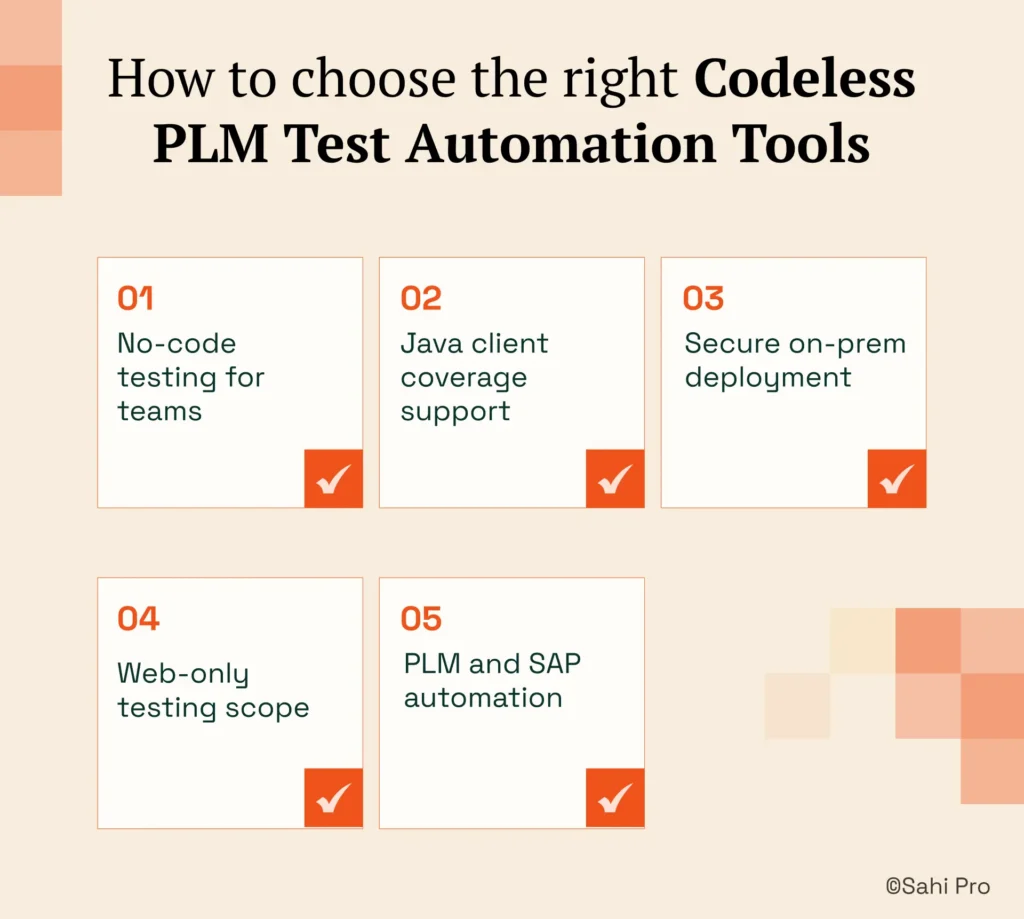
- If your team has no dedicated automation engineer and needs manual testers to build tests independently, consider Sahi Pro’s visual builder or Leapwork. Both are designed for PLM testing without coding, but Sahi Pro adds Java thick-client access that Leapwork does not provide.
- If your PLM environment includes Java thick-client panels (Teamcenter Rich Client, Windchill desktop), eliminate any tool that operates on web DOM only. That removes mabl, Katalon, and Worksoft from consideration for those specific workflows.
- If your environment requires on-premise deployment with no external data routing, eliminate cloud-only tools immediately. Check the on-premise column in the quick-pick table above. mabl is out. Leapwork and Katalon have partial support that may not satisfy strict data residency requirements.
- If your scope is purely web-layer PLM testing with no Java clients or canvas-rendered elements, a standard web codeless PLM testing tool may be sufficient. mabl or Katalon can handle this scope at lower cost.
- If you need one test suite covering Teamcenter and SAP ERP integration in a single execution, only Sahi Pro’s add-on architecture covers both Java desktop and SAP GUI in one script with one report. Tosca can cover SAP natively but requires separate configuration for non-SAP PLM layers.
If you are unsure which criteria apply to your deployment, run a proof-of-concept directly against your Teamcenter, Windchill, Aras, or SAP PLM environment. Sahi Pro offers a free trial for this purpose.
How we evaluated Codeless PLM Test Automation Tools
A generic web testing tool and a codeless PLM testing tool are not the same category. PLM applications combine Java Swing panels, web portals, canvas-rendered grids, and backend APIs in a single user workflow. Any tool that only captures browser DOM clicks will leave 60% or more of that workflow untested. Our evaluation focused on whether each tool supports PLM testing without coding across these mixed technology layers.
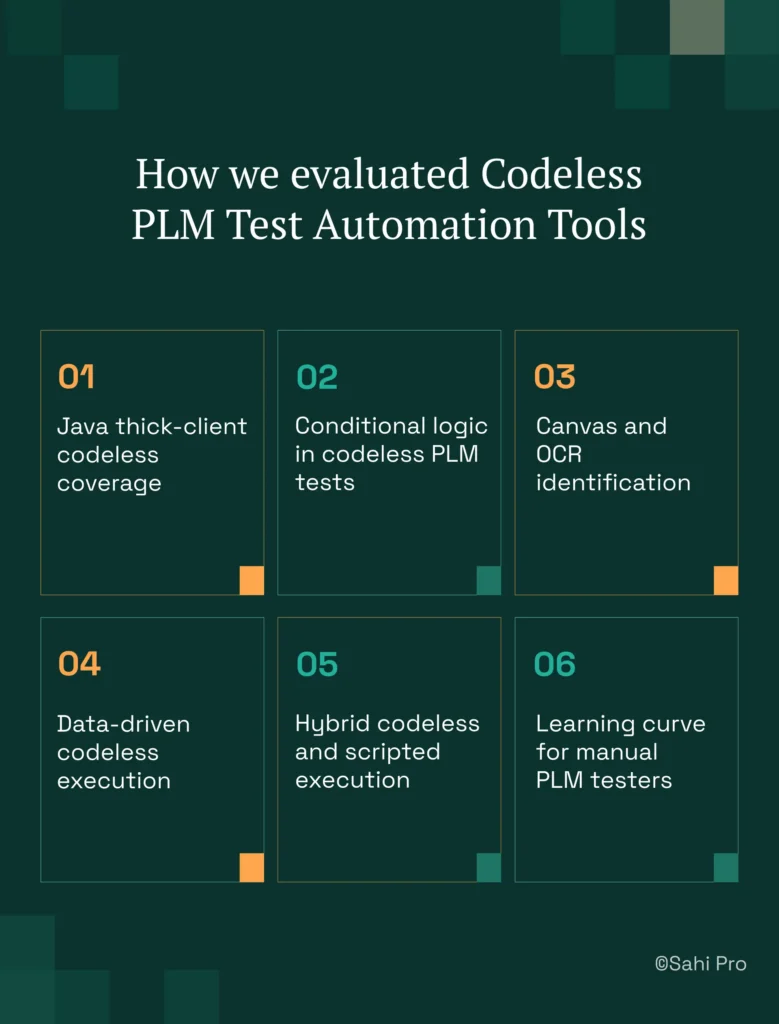
- Java thick-client codeless coverage: Can the tool reach Teamcenter Rich Client and Windchill Java panels without requiring the tester to write scripts? Most visual builders stop at the browser boundary.
- Conditional logic in codeless PLM tests: PLM workflows branch constantly. A BOM approval may route differently based on material type. The tool must support conditional nodes in its visual builder, not just linear step sequences.
- Canvas and OCR identification: Can the tool handle canvas-rendered PLM attribute grids that have no DOM nodes? This is where scriptless PLM test automation tools separate from standard web recorders.
- Data-driven codeless execution: Can the tool run the same Teamcenter BOM workflow with 100 different part numbers from a CSV without duplicating the test case? Parameterization must work within the codeless interface.
- Hybrid codeless and scripted execution: Can codeless tests and engineer-written scripts run in the same suite with one report? Teams that split across two execution environments lose traceability.
- Learning curve for manual PLM testers: How many days does it take a manual tester with no programming background to build a production-grade regression test? We weighted this heavily because the entire premise of codeless automation fails if onboarding takes months.
Running PLM Regression Codeless in Jenkins and GitLab CI
On-premise Jenkins and GitLab CI integration is a hard requirement for many PLM teams, not a preference. PLM automation coverage stays below 40 percent when only automation engineers can author tests; manual testers are excluded despite running the majority of regression (Sahi Pro PLM Course Book, Module 3). Integrating codeless test automation into CI pipelines means the tool must trigger from Jenkins or GitLab, execute locally, and return structured results without routing data through external servers.
Of the seven tools evaluated, Sahi Pro, Tricentis Tosca, Worksoft Certify, and Ranorex Studio support full on-premise Jenkins integration. Sahi Pro provides a command-line runner that Jenkins calls directly, with all execution and reporting staying on-premise. Tosca integrates with Jenkins through its execution client, though setup complexity is higher. Worksoft Certify supports Jenkins for SAP-specific pipelines. mabl cannot satisfy on-premise CI requirements because execution runs in its cloud infrastructure. Katalon’s on-premise execution is limited, and Leapwork’s cloud-primary architecture restricts full on-premise pipeline control.
For compliance-specific tool selection, request documentation from each vendor on whether their deployment model satisfies Jenkins and GitLab CI on-premise data residency requirements. Cloud-only vendors typically cannot provide this.
Real Results: Educational Testing Service (ETS)
Educational Testing Service (ETS), the organization behind standardized assessments like the GRE and TOEFL, operates a complex testing platform with web portals and backend validation layers. Their QA challenge was specific: QA and business analyst teams needed to build and maintain automated tests without an advanced programming background, and their CI pipeline required Jenkins integration without specialist engineers managing the build triggers.
ETS moved to Sahi Pro to enable their non-developer QA staff to author tests using the visual builder with conditional logic, covering both their web platform and backend validation workflows. The results after implementation:
- QA and BA teams use Sahi Pro without advanced programming background, building and maintaining regression suites independently.
- Parallel script execution across multiple threads reduced overall run time for the platform test suite.
- Jenkins integration enabled continuous deployment pipeline with automation build validations without manual trigger.
- Image comparison and benchmark testing integrated into the same framework with no separate tool required.
Important Takeaway
For PLM teams that need codeless automation across Java thick clients and web portals, Sahi Pro is the strongest fit because no other tool on this list covers both layers without scripting. If your scope is purely SAP PLM, Worksoft Certify deserves a close look. If your PLM environment is entirely cloud-hosted web with no Java clients, mabl or Katalon can handle the job at lower cost. The right choice depends on your technology stack, not on feature count.
Sahi Pro offers a free trial, so you can test it against your own Teamcenter, Windchill, Aras, or SAP PLM environment before any license decision. If you want to validate against your hardest test scenario, Book A Demo and bring the workflow that has resisted automation so far.